I was interviewed by George and Mary-Lynn from BiggSuccess.com the other day. Here are the results of that interview.
Career Success with New Media
We were happy to visit with Douglas E. Welch today on The Bigg Success Show today. Douglas is an expert on building the career you deserve and spreading the word about your talents using social media. Among other things, he’s the host of two great blogs and podcasts: Career Opportunities and Careers in New Media. Here’s a recap of the conversation:
Read Douglas talk with George & Mary-Lyn on The Bigg Success Show! with complete text transcript.
Listen to Douglas talk with George & Mary-Lyn on The Bigg Success Show!
Podcast: Play in new window
| Download
Tags: Audio · Elsewhere
Co-hosts Tracy Pattin and Danielle Gruen talk flip cam and shooting videos with New Media and IT guru, Douglas E. Welch of New Media Interchange. Doug joins New Media Tea Time and yes, via Skype! We are so delighted to have our “go-to-geek” guest starring once again.
Podcast: Play in new window
| Download
Tags: Elsewhere · New Media · Podcast · Tips · Video · technology
Tags: Elsewhere
When I am talking New Media, one question that always arises is, “…but what do I have to say that people will be interested in?” That fact is, we all have something interesting to say. We just don’t take the time to recognize it for what it is. We let it slip away instead of turning it into the powerful new media it is.
Assignment #1: Capture your great ideas!
Everywhere you go, take notepad or journal. This is both your capture device and your reminder to be aware of opportunities to gather great ideas. The act of carrying it around, setting it on the table when you sit down at the cafe, putting it your bag is like tying a string to your finger or snapping a rubber band on your wrist.
Now, whenever you are talking with someone, be aware of when you and they are particularly enjoying the conversation. Are you laughing out loud? Are you ranting? Are you commiserating over some lost opportunity, job, lover?
Now, write down in your journal the topic of your conversation. It doesn’t have to be a detailed reconstruction of the conversation, just a quick line noting the topic and perhaps why it was so interesting.
Before you know it, you will have a whole series of pre-vetted ideas for blog posts, audio podcasts, videos and even books. You already know these topics are interesting to you and at least one other person, so you can turn them into something more without worrying about whether they are interesting enough — a common pitfall of folks just getting started in New Media.
Do you accept my assignment? Start doing it today! Share your stories about how it works for you as comments here on the blog of on the New Media Interchange Community site. I’d love to hear what your are capturing and how this tip works for you.
Tags: New Media · Opinion · Tips
Tags: Elsewhere
Since one of the best ways to demo and talk about a technology is putting it to work, I guested on New Media Tea Time this week via Skype, live from my own kitchen as I made peanut butter fudge and offered up some Skype tips. You can watch the entire show here.
Podcast: Play in new window
| Download
Tags: Elsewhere · New Media · Video · technology
February 22nd, 2010 · 2 Comments

If you use Google’s Feedburner service for managing the RSS feeds for your blogs and podcasts, you may, or may not, know that Feedburner also provides email subscriptions to your RSS feeds. Some people prefer email to RSS, so they might be more comfortable receiving your blog updates in their inbox.
You can turn on the Email subscription feature for your Feedburner feed by logging into your account and then clicking on the Publicize tab. In the left-hand column, you will then see the Email Subscriptions link. Click that link and 4 sub-topics will appear.
The Subscription Management link allows you to grab the code for an HTML form that you can embed in your blog to allow users to subscribe with one click. You will also find a listing of those people currently subscribed to your RSS feed via email. The Save button at the bottom will activate the service, if it isn’t already and save any settings you might change.
The Communication Preferences link allows you to see and edit the messages sent to those people who subscribe via email. You can change the text of the welcome message, including whatever information you would like them to have.
The Email Branding link provides access to the standard subject line, blog artwork and styling of the email sent to your subscribers.
This review of the email subscription features was driven by an email I received from a subscriber noting the small font size of the messages they were receiving. I hadn’t realized it, but the font size of the message in this section had been set to 9 point, much too small for the average reader. A quick change here solved the problem for everyone receiving these emails.
The final link, Delivery Options, allows you to set your time zone and the time of day when you would like your email updates to be delivered to your subscribers. Mine are scheduled to be sent between 7am-9am Pacific Time.
Readers will consume your web content in any number of ways, so providing alternative methods, like email subscriptions can help you add to your subscribers as well as capturing email information about your users — something that is nearly impossible using RSS feeds alone. If you haven’t checked your Feedburner Email Subscription settings recently, check it out. You might be pleasantly surprised at their usefulness.
Tags: New Media · News · Special · Tips
Just 10 simple steps to insure that your Skype calls (and other VOIP calls) are as high quality as possible.
- Shut down resource hogging program and services
- If your computer is busy doing something else, it is not giving you all the power you need for your Skype call. Shut down your Instant Messenger, Twitter program, Email program, etc.
- Stop all downloads and uploads
- Don’t try to buffer that video from YouTube or upload your latest video to Blip.tv. Skype needs that network bandwidth for your call
- Make sure no one else is hogging your network. Shut down computers to make sure.
- Use headphones
- While Skype is better than ever at quashing echo from either end of the conversation, headphones stop it cold. Take a cue from live TV news. Put in one earbud and drape if off the back your ear and down you back, if you don’t want it to be seen.
- Don’t send video if you only need audio
- Save the network bandwidth and only send video if you really need it. It will insure that your audio stays as solid as possible, even if you network connection gets a little slow.
- Get close to your microphone
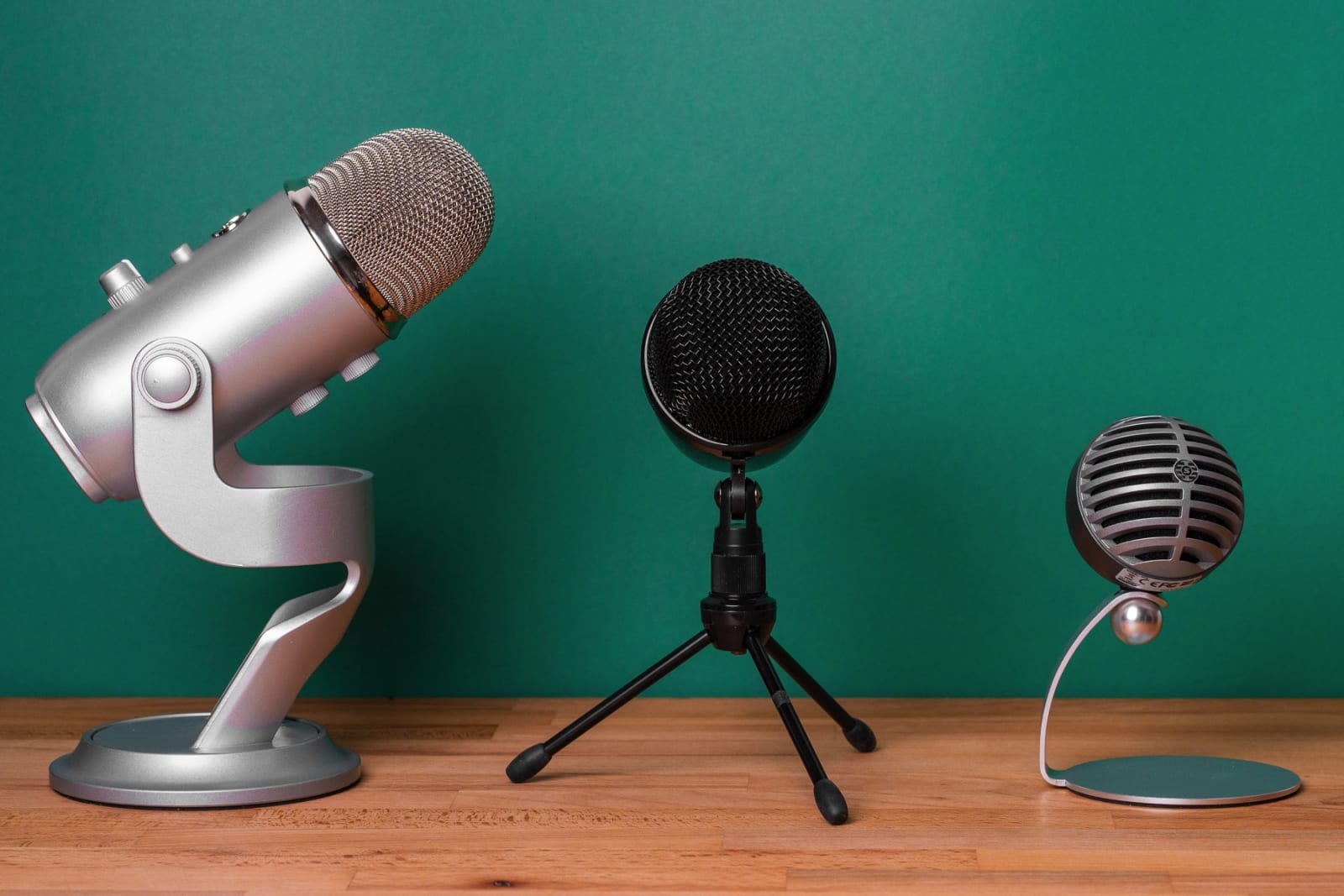
- In most cases, you laptop microphone is fine, but the better your microphone, and the closer you are to the microphone, the better the audio quality. Use a nice condenser mic on a stand or lavaliere mic clipped to your shirt.
- Find a quiet place.
- Background noise is more disruptive on a Skype call than a telephone. Make it easy on yourself and find a quiet place to talk.
- For video, choose a pleasing, uncomplicated background
- Complicated backgrounds (and clothing patterns) mean more work for video compression programs and more network bandwidth. Keep it simple and make it easy on your computer
- Test your computer and network before you need it
- Before any important call, do a test using the computer and network you will be using for the actual call, if possible. As is often said, “an ounce of prevention is worth a pound of cure.” It is so much better to identify problems before you are under the pressure of the actual situation.
- Stay with the most current version (not beta) of the program
- I have had issues in the past with 2 different versions of Skype working well together. Sometimes it can’t be avoided, but if you have having connection or quality issues, check that you are using similar versions.
- Try not to talk over/interrupt one another
- This can be difficult, as you can’t see each other on an audio call, but establish some sort of protocol with your caller so that you don’t end up talking over each other, or asking each other to repeat something that was missed.
What is your favorite Skype tip? Tell everyone by clicking the Comments link below.
Tags: Audio · New Media · Tips · Video
Tags: Elsewhere
I received an interesting message today from a fellow LA Tech traveler. She hosts a major event but was getting some push back on the advertising poster that was designed and released. She asked a couple of questions about how she might deal with this push back and turn it around into something positive.
Off the top of my head I came up with 2 ideas.
First, instead of hiding from the controversy, engage it. Post a poll on the web site and send it out to the mailing list of interested people. What don’t they like about the poster campaign? What would they change? What would they keep? Controversy is great at driving discussion and shouldn’t be avoided. You could be developing some of your biggest fans through just such a conversation.
SurveyMonkey (and many other sites) provide free embedded polls. You can also use Google Docs Spreadsheets to make your own surveys and show live results to those voting.
Second, if the fans don’t like the ad campaign, have them design one of their own. Put their talents to use and have them show you — via text, photos, audio, video, whatever — what they would like to see in the promotion. I must admit this is better to do BEFORE you have completed your own ad campaign, but I also think it is a great response to the people that took issue. Give them a chance to express themselves in some other way than simply saying “I hate it!”
An Example Survey using Google Docs
Tags: New Media · Opinion · Promotion · Social Media · Tips
Five books arrived from the LA Public Library today — my next collection of books to read. Here is what is in the stack on reading table next to my chair.
Twyla Tharp: The Collaborative Habit
I enjoyed Tharp’s earlier book, The Creative Habit: Learn It and Use It for Life so this one caught my eye when browsing through my Amazon.com Recommendations.
Trust the Process
by Shaun McNiff
I am starting on a reading, and re-reading, of several books related to the artistic process. New Media has a lot of similarities to more traditional arts, so I am reading to see what commonalities I can find.
Art & Fear: Observations On the Perils (and Rewards) of Artmaking by David Bayles and Ted Orland
Another book on the arts, but this time more directed at my personal arts process and how I can re-invigorate it.
Path of Least Resistance: Learning to Become the Creative Force in Your Own Life by Robert Fritz
One final book on creativity and making the best use possible of it.
For more book highlights, check out the WelchWrite Bookstore.
Tags: Books
A collection of New Media items I found interesting this week.
- 7 Ways to Promote Your Offline Event Using Social Media – February 9, 2010
- Self-Portrait Camera Mirror – February 8, 2010
- Top 4 places to find Wordpress themes – February 8, 2010
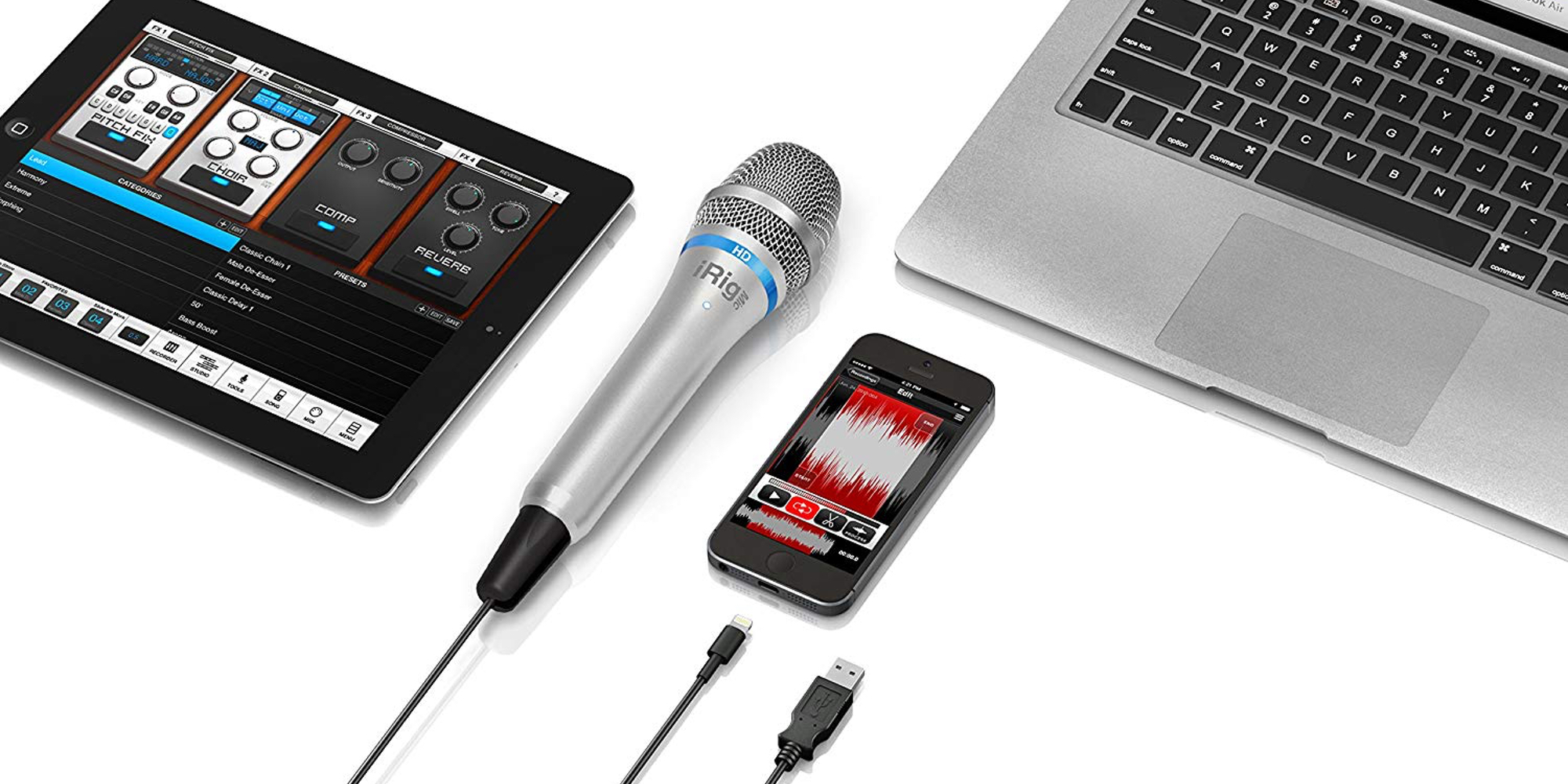
- Budget-Conscious Podcasting Microphone – February 2, 2010
- Ustream Helps Give Your Live Broadcasts A Professional Feel With New Desktop Client – January 28, 2010
- New Media Tea Time – #18 with special guest appearance by Douglas E. Welch of New Media Interchange – January 21, 2010
- How to Attract Your 1,000 True Fans – January 26, 2010
- Is the Real You Embraced at Your Work? (A Very Cool Video) – January 24, 2010
- Moscow in slow motion – January 19, 2010
- Video panoramas – January 22, 2010
- Online Community and Social Media Jobs – January 21, 2010
- Phillip’s science, tech, DIY, making and more podcast playlist… – January 18, 2010
- Holophone PortaMic 5.1 – Surround sound 5.1 microphone – January 14, 2010
- $30 Camera Dolly is the Quickest, Most Useful Ikea Hack I’ve Seen in a While [DIY] – January 14, 2010
- 10 More Essential Plugins Every WordPress Blog Should Have | FreelanceFolder – January 14, 2010
- 11 Mind-Blowing Reasons Your Business Needs Facebook | Social Media Examiner – January 14, 2010
- Anime TV. New Internet TV Show. – January 14, 2010
- How To Build An Online Community: The Ultimate List Of Resources – January 14, 2010
- Long Exposure Animation Brings “Magic Forest” to Rhapsodic Life [Photography] – January 13, 2010
- Samson Go Mic – January 12, 2010
Tags: Elsewhere
Important rule for New Media: Be very, very careful of anyone, including me, who says you MUST only use New Media in a particular way — you must only update your status once each day, you must connect your Twitter feed to Facebook, you MUST tweet only about professional things, you must only tweet about personal things.
New Media experts like to think they have a corner on the market of New Media knowledge. Even worse, they like to think that they have all the right answers, all the time, for everyone. Despite that statement being ludicrous on its very face, more and more pundits seem determined to make everyone act…just…like…them.
For myself, I try to couch any advice in these terms…I have found these particular methods to work for me in accomplishing my unique goals. You mileage may/will vary, because your life and your work are individual to you. Hopefully, you can find some commonalties between my experience, my life, my work and your own.
I know it doesn’t have quite the ring of “YOU MUST DO THIS”, but I feel better about it. I also think that too many MUSTs is exactly what turns some people off on New Media Experts. Even the newest person to New Media knows that someone can’t be right 100% of the time. Conflicting advice abounds and yet some experts proclaim their version of the New Media truth as if it were etched by fire into stone tablets. They might not realize it, but being “too sure” about something can seriously damage your credibility. Provide only one version of “the truth” and someone is almost assured to come along to prove you wrong.
So, when you are confronted with a lot of New Media Musts, let this be a warning to look elsewhere for opposing opinions and look deeply for similarities between the experts situation and your own. Critically think about their advice and your experience and how they might mesh rather than blindly following their dictates. Sure, there might be some great advice there, but only you can decide if that advice is right for you.
Tags: New Media · Opinion · Social Media
February 6th, 2010 · 6 Comments

http://blogger.com
I have been blogging for a long time, even before there were any blogging services to help out with the process. I used to edit a text file that automatically loaded into my home page in an early proto-blog experiment.
When Blogger.com came along, I took too it immediately. It simplified things a lot and really allowed me to get a constant stream of content on my site. Back in those days, I took advantage of the FTP publishing side of Blogger which allowed me to publish static pages directly to my own web server, instead of hosting the blog at a Blogspot.com URL. I really liked this. It meant my blog was available even if Blogger was down, and it also meant I had my own copy of all my blog pages.
While I now create any new blogs using Wordpress software, I still had 3 blogs using Blogger. Last week, though, I saw the end to my Blogger days. Google, who now owns Blogger, is doing away with FTP publishing entirely. One, My Word with Douglas E. Welch has already moved and A Gardener’s Notebook is next. I have decided to abandon the TechnologyIQ blog, as I haven’t been keeping up with it as I once did.
Blogger is providing a migration path for those using FTP publishing. You can move your blog to Blogspot using either a Blogspot URL or your own custom domain. Preliminary info is available in this document from Blogger — Important Note to FTP Users.
If you are using Blogger, you might be considering, or needing, to make a change. I highly recommend Wordpress, both in its Blogspot-like hosted mode at Wordpress.com and in the self-hosted version of Wordpress available for install or download from your ISP or directly from Wordpress.org.
All things move forward. Blogger is focusing on the ease-of-use of hosted blogs, which is fine. You just might need to seek out other alternatives. If you are looking for advice on transitioning to Wordpress.com or a self-hosted Wordpress install, you can ask questions here using the Comments link below or in the forums on the New Media Interchange Community Site. I would be happy to answer any questions I can and sharing those questions with others would be a great way of getting more information out into the world.
Tags: New Media · News · Software · Special · WordPress
From New Media Tea Time…
“Where high tech meets low tech for tea and chocolate. Part 2 talking with the amazing Douglas Welch about Ning communities, how he set his up and how the rest of us can do so too.”
Podcast: Play in new window
| Download
Tags: New Media · Video
January 29th, 2010 · 1 Comment
From the New Media Tea Time web site…
“Our resident New Media Expert, Doug Welch (DouglasEWelch.com) is back! Hosts Tracy Pattin and Danielle Gruen talk about eBooks and eBook trends (good news!) widgets, websites, blogs, themes, and of course tea!”
Podcast: Play in new window
| Download
Tags: Elsewhere · New Media · Speaking · Special · Video

CareerCampLA 2010
Saturday, March 27, 2010
The Congregational Church of Northridge
Northridge, California
A hybrid conference/unconference dedicated to “helping you build the career you deserve”. The day will include scheduled speakers, ad hoc presentations and breakout sessions on all aspects of building your career. CareerCamp is for anyone who wants to build and/or improve their career.
Visit the CareerCampLA Web Site to register!
Please note, there are special fields for people who would like to volunteer and people who would like to speak at CareerCampLA. Make sure you fill those in if interested.
I look forward to seeing many of you at CareerCampLA.

Tags: Class/Workshop · Events · Speaking · Special
I presented this talk to Tuesdays with Transitioners, a local group dedicated to helping workers recover from layoff and make the move to a new career. All of my prescriptions use new media in some fashion, so I thought this video would be a good inclusion for Careers in New Media.
Visit the Tuesdays with Transitioners site for more information on this great group.
Podcast: Play in new window
| Download
Tags: Class/Workshop · Events · New Media · Podcast · Social Media · Speaking · Special · Tips · Video
Yesterday I posted a note to my gardening blog, A Gardener’s Notebook, announcing that I had started a Twitter feed for the blog and the shared items I find using Google Reader. One of the first comments I received on the post talked about feeling overwhelmed at “having” to follow this social media service and that social media service and basically suffering from information overload.
As a rule, it is not intended for you to subscribe to every social media service where I (or others) provide information. You only need to choose one.
The average user thinks that just because a publisher, like myself, has provided an information source, they MUST pay attention to it. In fact, each user instead needs to select the source of information that works best for them.
In my own case, I tend to rely on RSS feeds and Google Reader to manage my information flow. Sure I use Twitter and Facebook and more, but when it comes to “reading” blogs and other information sources, RSS is my go-to source.
That is NOT to say that everyone lives like I do, though. Some people live in Facebook and spend little time elsewhere. Others love Twitter or Myspace or Email subscriptions. As a “publisher” it is in my best interest to reach as many people as possible, so I provide my content on as many services as possible. Then, each person can select whichever way they want to consume my content.
That is exactly what you need to do — pick your favorite and make great use of it. Don’t worry about the Twitter feed, the Facebook Fan page or others if they don’t interest you. They are designed for others.
Tags: New Media · News · Opinion · Social Media · Tips
Tags: New Media · News · Special